
Auction House guide 03
Post a buy offer
Want something specific? Post a buy offer, put the payment up front, and any player who has it can sell it to you.
-
Pick what you want
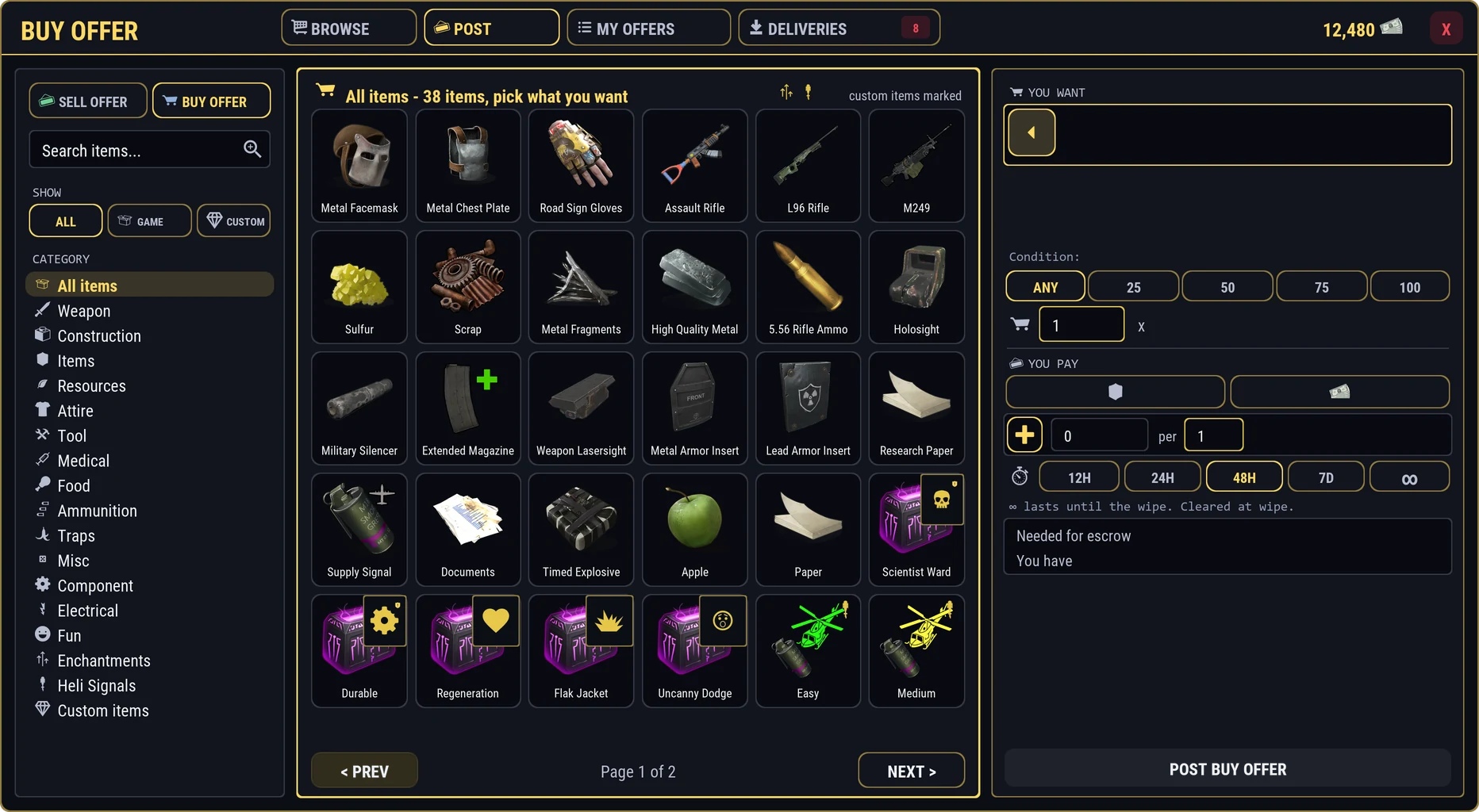
On POST, switch to BUY OFFER. Pick any game item or one of the server's special items from the grid. It lands in YOU WANT.
Any Enchantment: want enchanting kits but do not mind which ones? Pick Any Enchantment instead of a specific kit, and any kit can fill your offer. Handy when you plan to recycle the kits anyway.
-
Say exactly what counts
Narrow the offer so you get the piece you are after:
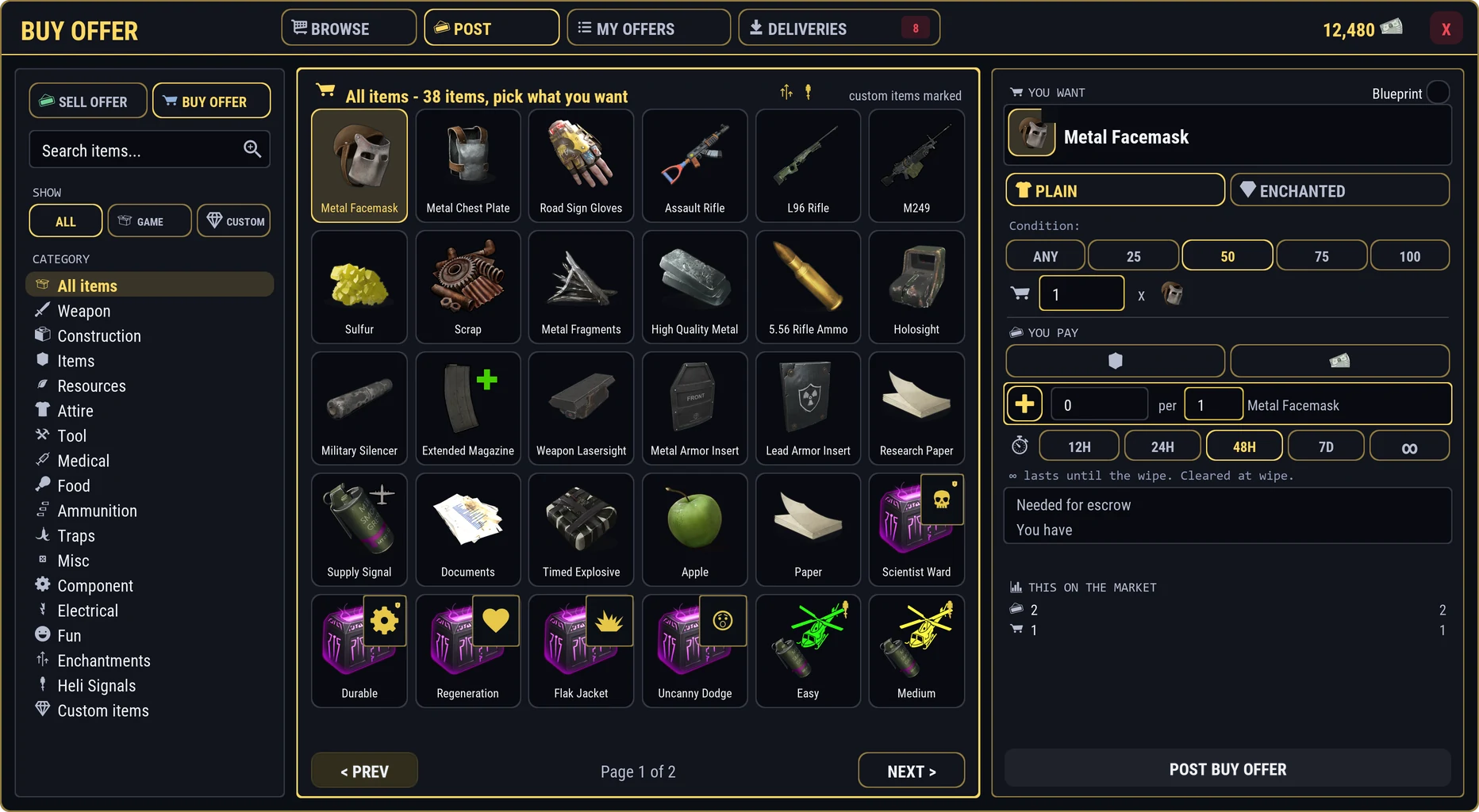
- Condition: the lowest condition you accept, from Any to 100%. Condition counts against the item's true maximum, so a repaired-down item is below 100%.
- Armor Slots: for armor that can roll slots, ask for at least 1, 2 or 3.
- Blueprint: ask for the blueprint instead of the item.
Condition 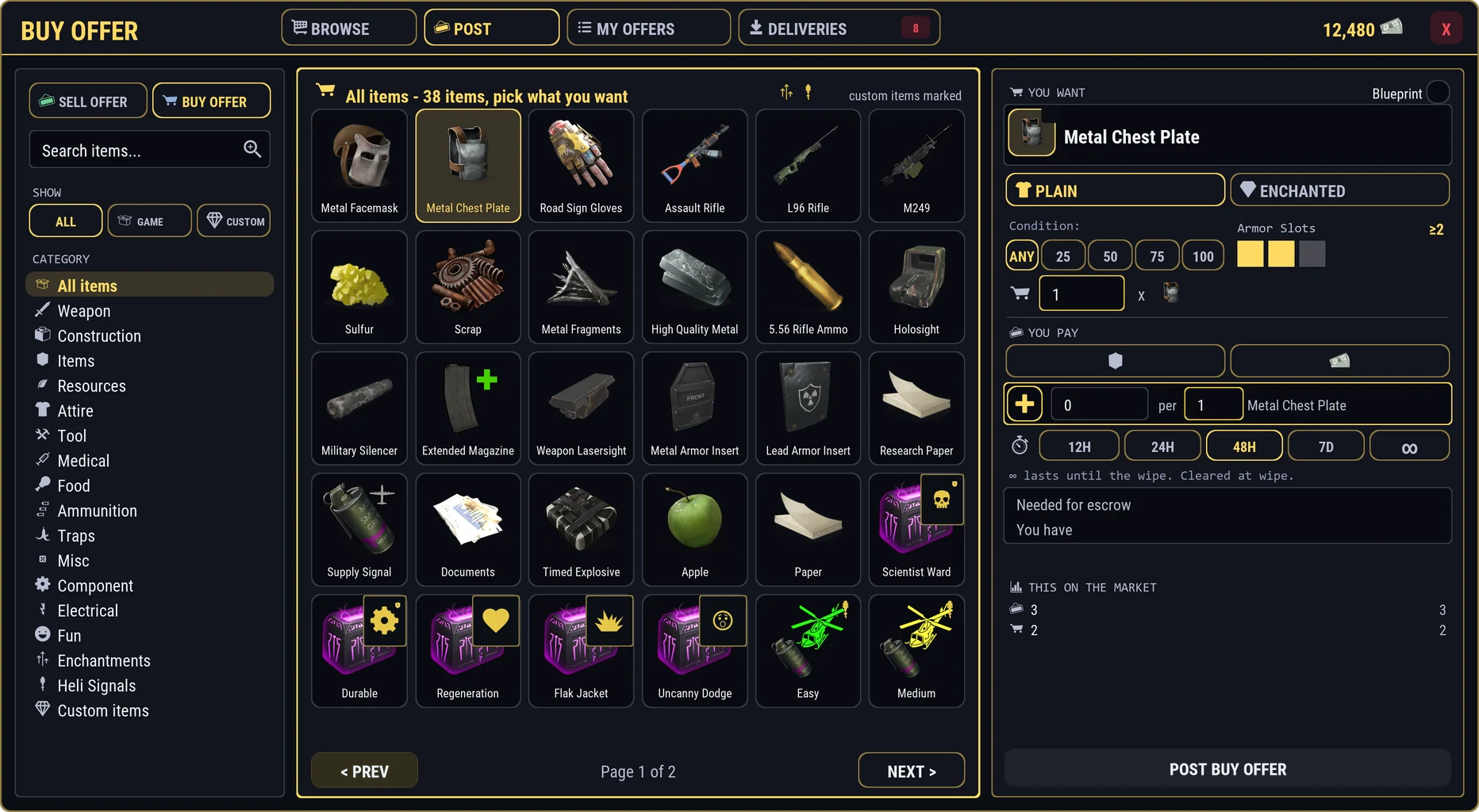
Armor slots 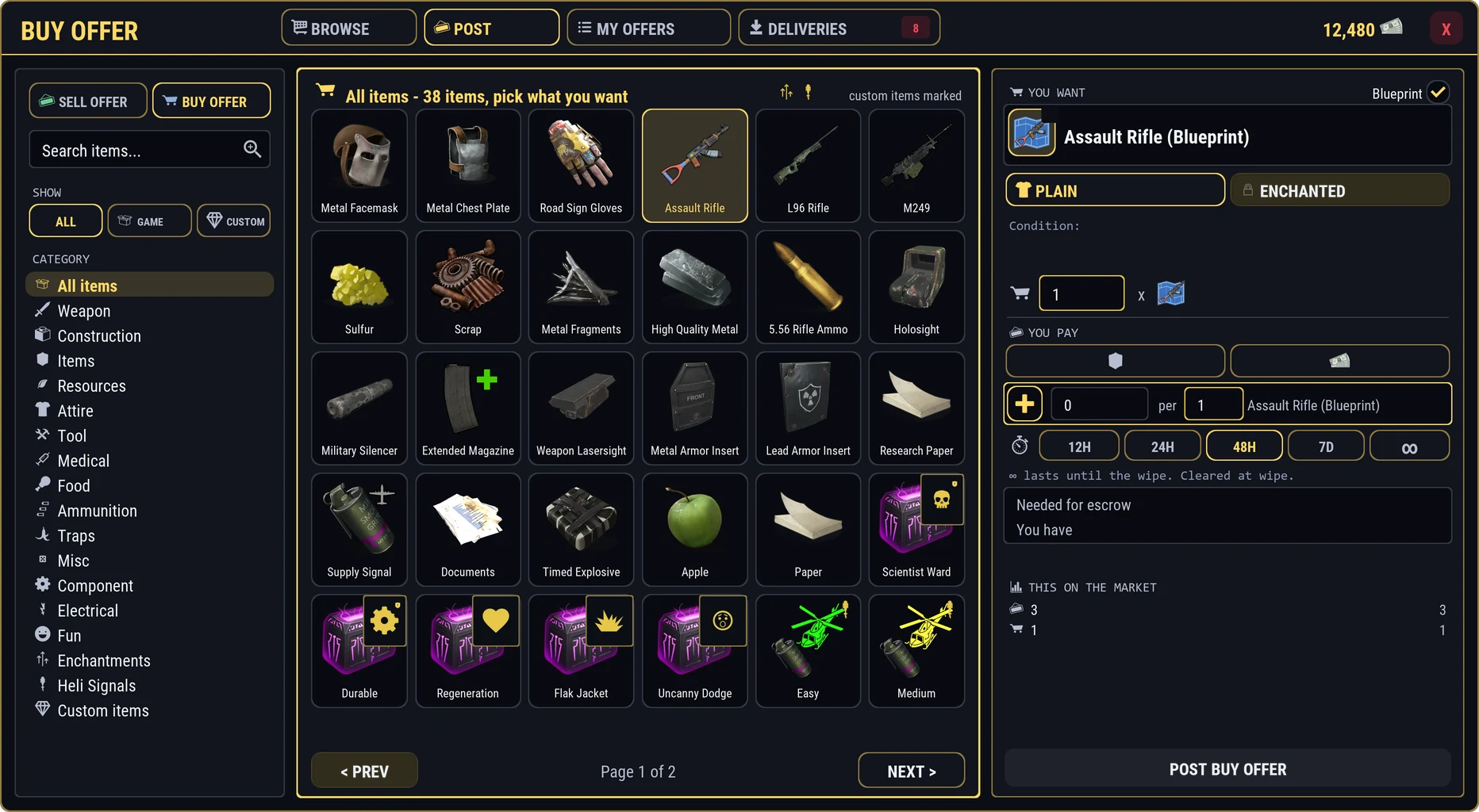
Blueprint -
Ask for enchantments
For items that can be enchanted, switch PLAIN to ENCHANTED. Pick up to three enchantments from the grid, and for each one set the lowest strength you accept with its bar. Far left means any strength.
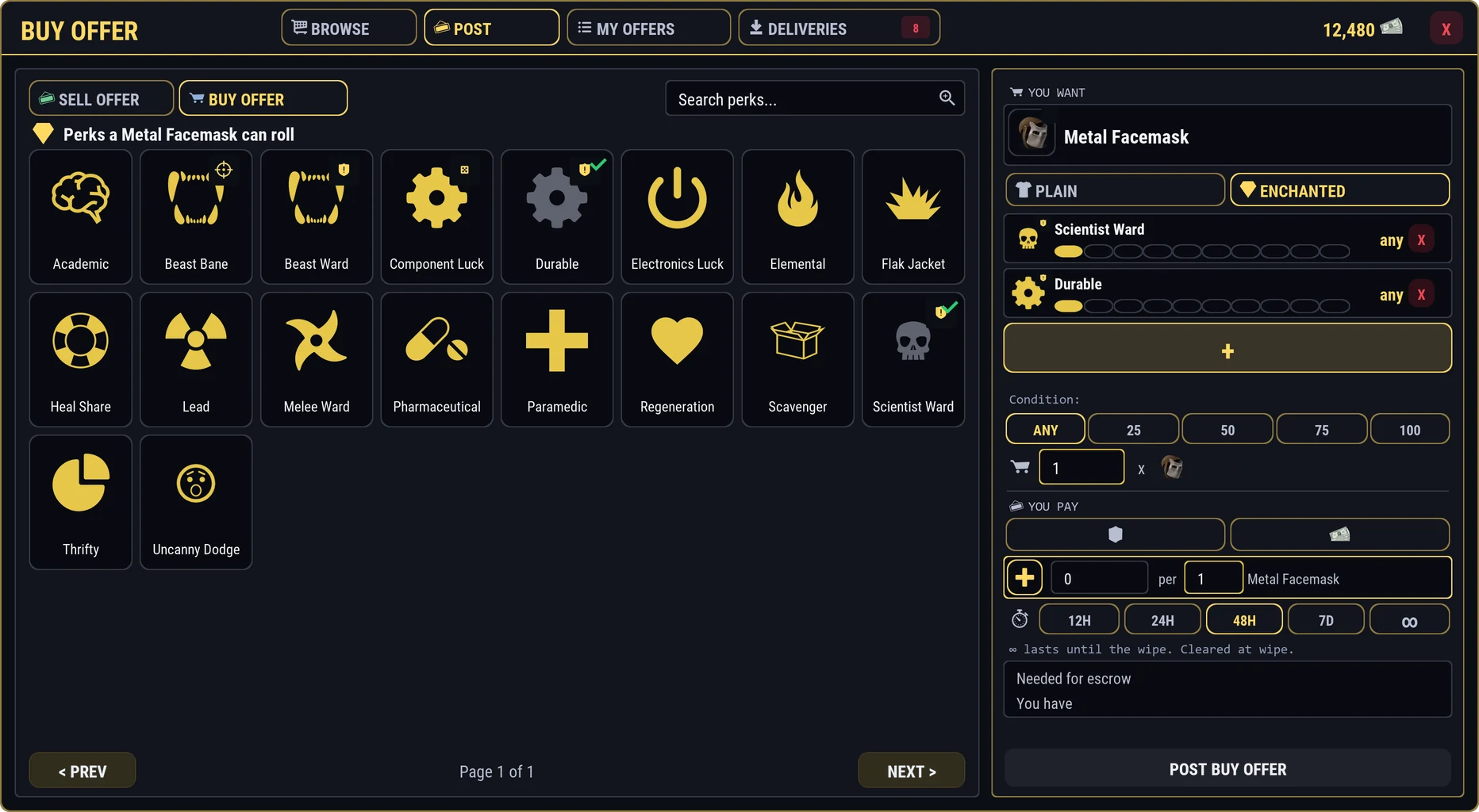
- ENCHANTED instead of plain
- Your picks, each with a bar for the lowest strength
- Lowest condition you accept
- YOU PAY: an item or RP
- How long it runs
- What is held now, and what you have
- POST BUY OFFER
Only pieces with all the enchantments you picked, at or above your minimums, can fill this offer. - The enchantments this item can have: click to add
-
How many, and in what lots
Set the most you want and the lot size, the same way as a sell offer. Sellers can fill part of it; an offer for 10 might be filled 3 by one player and 7 by another.
-
Choose how you pay
Set YOU PAY per lot, in RP or in an item.
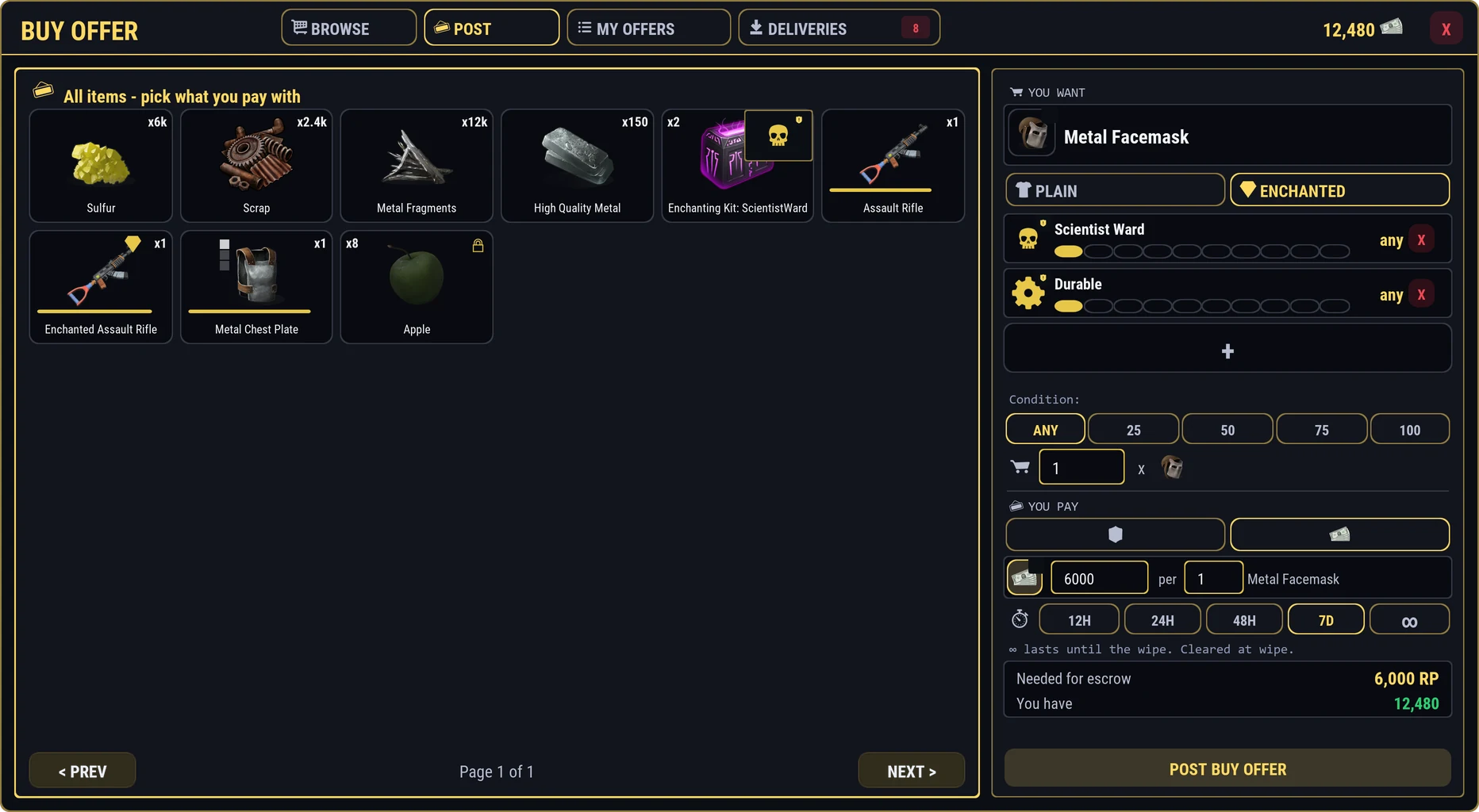
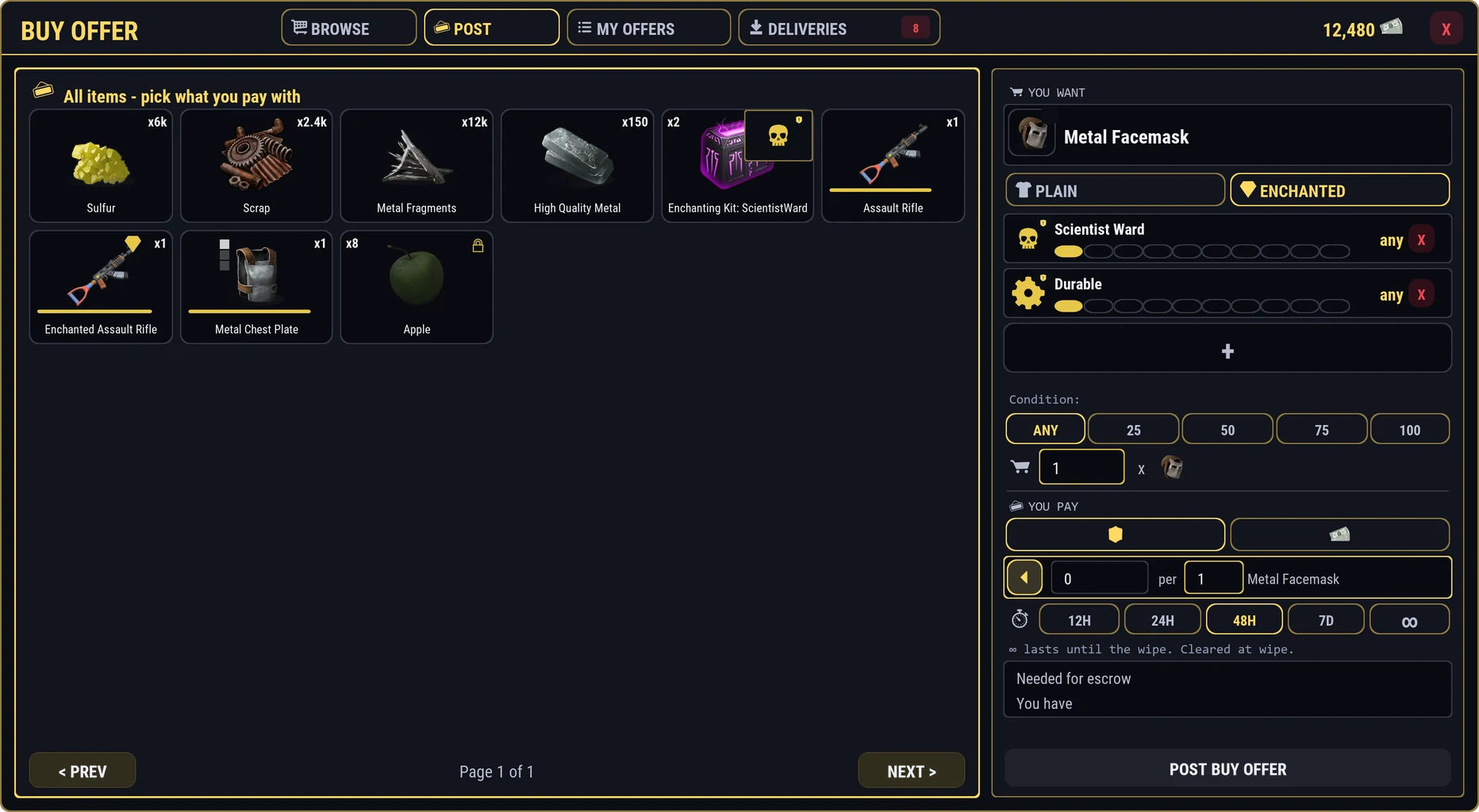
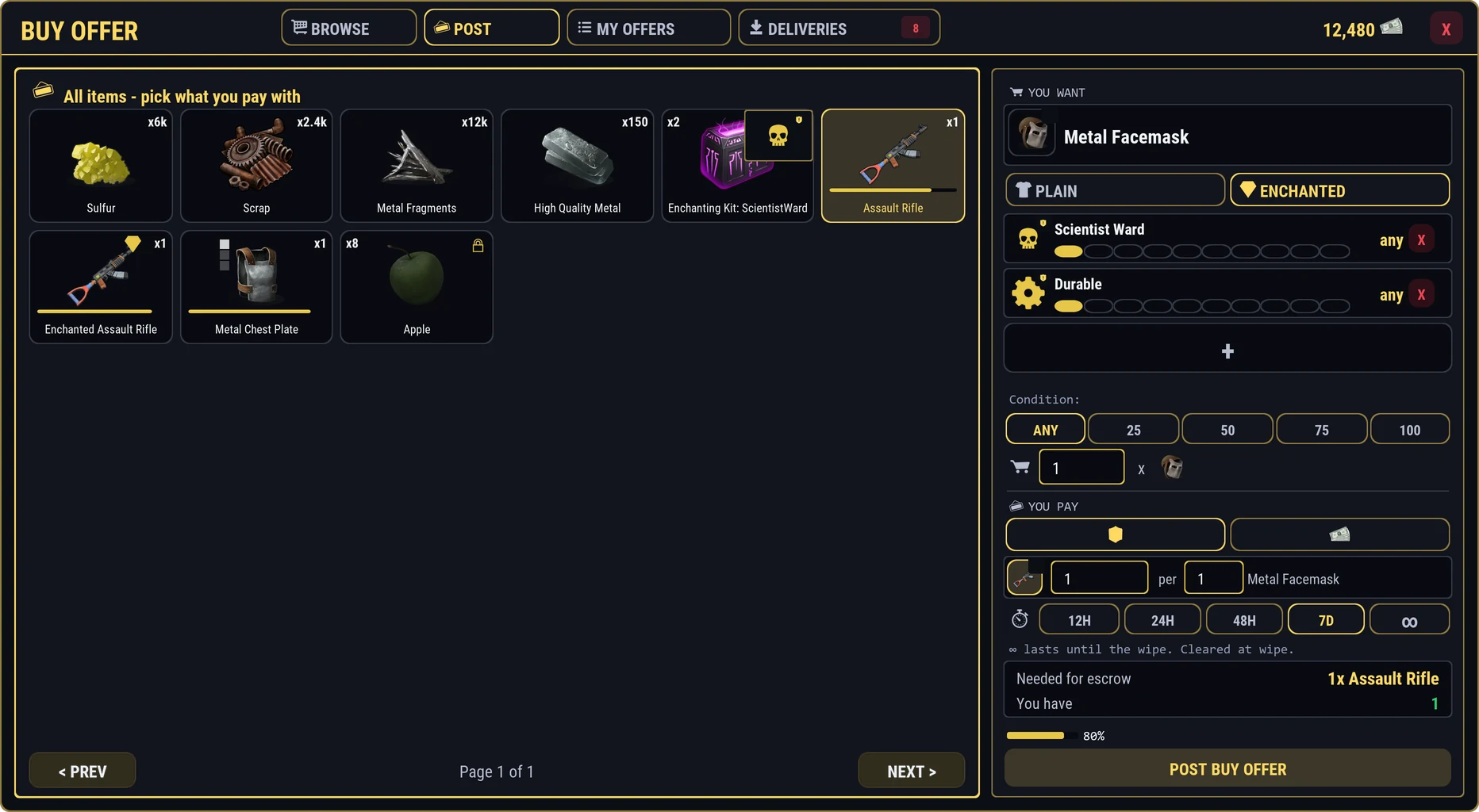
Paying with an item opens a grid of what you hold. Resources and other stacking items are counted. A weapon or piece of armor is paid as the exact piece you click, and its line shows its condition, enchantments, attachments, and ammo.
-
Post it: payment is held
Press POST BUY OFFER. The whole payment is taken now and held safely. Sellers see your payment exactly as it is. Whatever is not spent comes back to you when the offer ends or you cancel it.
Offering RP? It is held from your balance at once and returned straight to your balance if unspent.