
Quality of Life
Item Protections
On Zombie Land, items are protected by default: only the owner (and players the owner has explicitly shared with) can access them. Strangers can see your stuff. They just cannot take it.
This goes well beyond storage boxes: it also covers fridges, vending machines, weapon racks, mannequins, player corpses, live players' inventory, tool cupboard authorization, and even toggling an oven on or off. This is intentional and applies across PvE environments to prevent accidental or intentional looting of other players' belongings.
Someone authorized on your tool cupboard can open your storage without a separate /share. For everyone else, access is per-container via /share (or clan/team auto-share below). Strangers with no TC auth and no share still cannot take your stuff.
Why Protections Exist
In a PvE environment where players often leave their bases open for teammates, clan mates, or just convenient access, having item-level protection means you do not have to lock every single container to feel safe. Strangers who wander into your base can see your stuff but cannot take it without your permission. See Customizations for more detail on how our looting rules work in practice.
Sharing Access
Use the /share command family to grant other players access. These commands work on storage containers you are looking at (boxes, fridges, and similar), not weapon racks or mannequins, which stay owner/clan/team protected. There is no menu; it takes effect immediately:
Share Commands
Look at the container first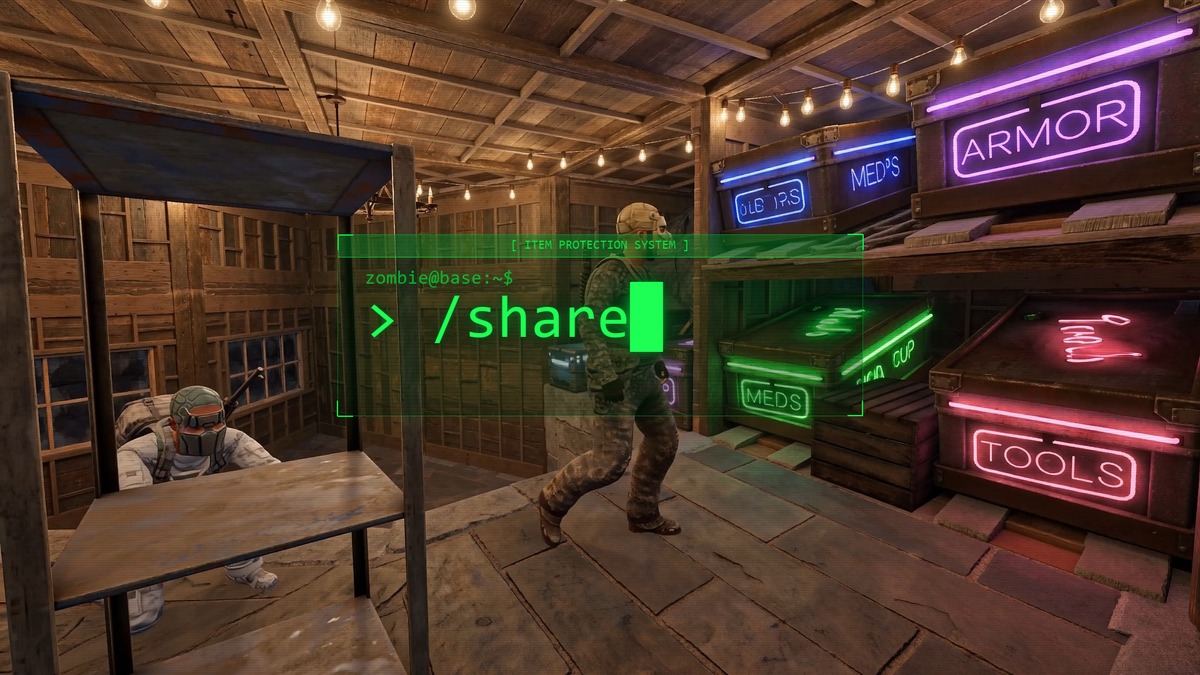
Clan And Team Auto-Share
Clan members and Rust team members automatically have access to each other's protected containers. No /share command needed, and TC authorization is not required for this to work. If a clanmate or teammate still cannot access your stuff, double check they are actually showing as a member of your clan or team.
Questions? Ask in Discord.