
The Builder's Handbook
Building on Zombie Land
The one thing we ask
Keep bases and deployables reasonable
The admin team has discretion on what that is defined as. There are no counts to track and no limits to look up.
Build what you enjoy. Just remember that every block, box and light you place is something the server tracks all wipe, and something every player who passes has to load and draw.
Keep that in mind and most players never hear from us about their base.
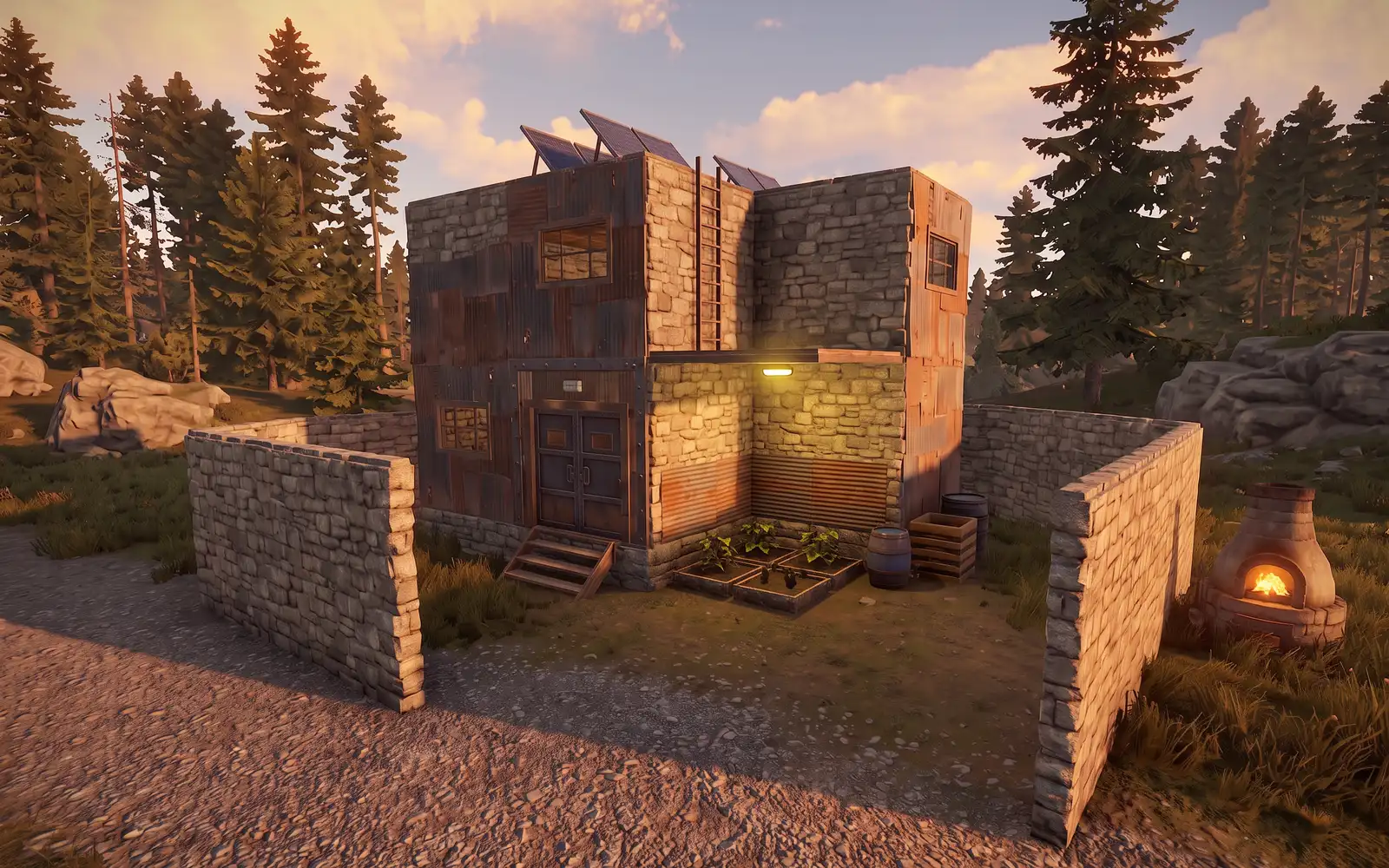
We only step in on the extremes, like these:
Crashing other players
A base that makes other players crash, or stutter so badly the game is unplayable.
Blocking a monument or POI
Walling off, building over or boxing in a monument or point of interest that belongs to everyone.
Land grabs
Claiming a huge area of the map by spreading TCs or foundations all over it.
Heavy deployable spam
Massive numbers of the deployables that hit everyone's frame rate hardest. The four kinds are below.
What makes a deployable heavy
No need to police builds for us. The exceptions are a base that crashes your game or makes it unplayable, and the extremes above. For those, open a ticket and tell us where. Everything else, let it be.
If An Admin Reaches Out
It is a friendly heads-up. Nobody is in trouble.
We get it, building is fun, and a base can grow before you notice. Being asked to trim it is no reason to be upset. Half of our admin team were asked to trim their own builds back when they were players. We are not angry with you and nobody thinks less of you for it.
All we want is a smooth game for every player, on every kind of PC. Usually a little trimming is all it takes, and if you are not sure what to trim, ask. We are happy to help you pick.
Our promise
We always tell you first.
An admin will never take action on your base without letting you know.
We come and talk
An admin comes to see you in game, and you work it out together. Please be kind: there is no reason to get angry with the admin. They are keeping the server smooth for you too!
We leave you a note
If it is not urgent, you find a note in your inventory, and you get time to sort it out yourself.
We fix it, then tell you
In very extreme situations, we may need to act right away. If you are offline, a note in your inventory explains what we did and why.
Farming The Zombie Land Way
Our servers have custom farming settings. They make farming much easier than in vanilla Rust: no water setup and a single light.
Water sources needed
Every plant is at 100% water all the time. A planter may show 0%, because the game does not always refresh that number. Ignore it: the plant is at 100%. No sprinklers, pumps, or pipes needed.
Ceiling light per farm
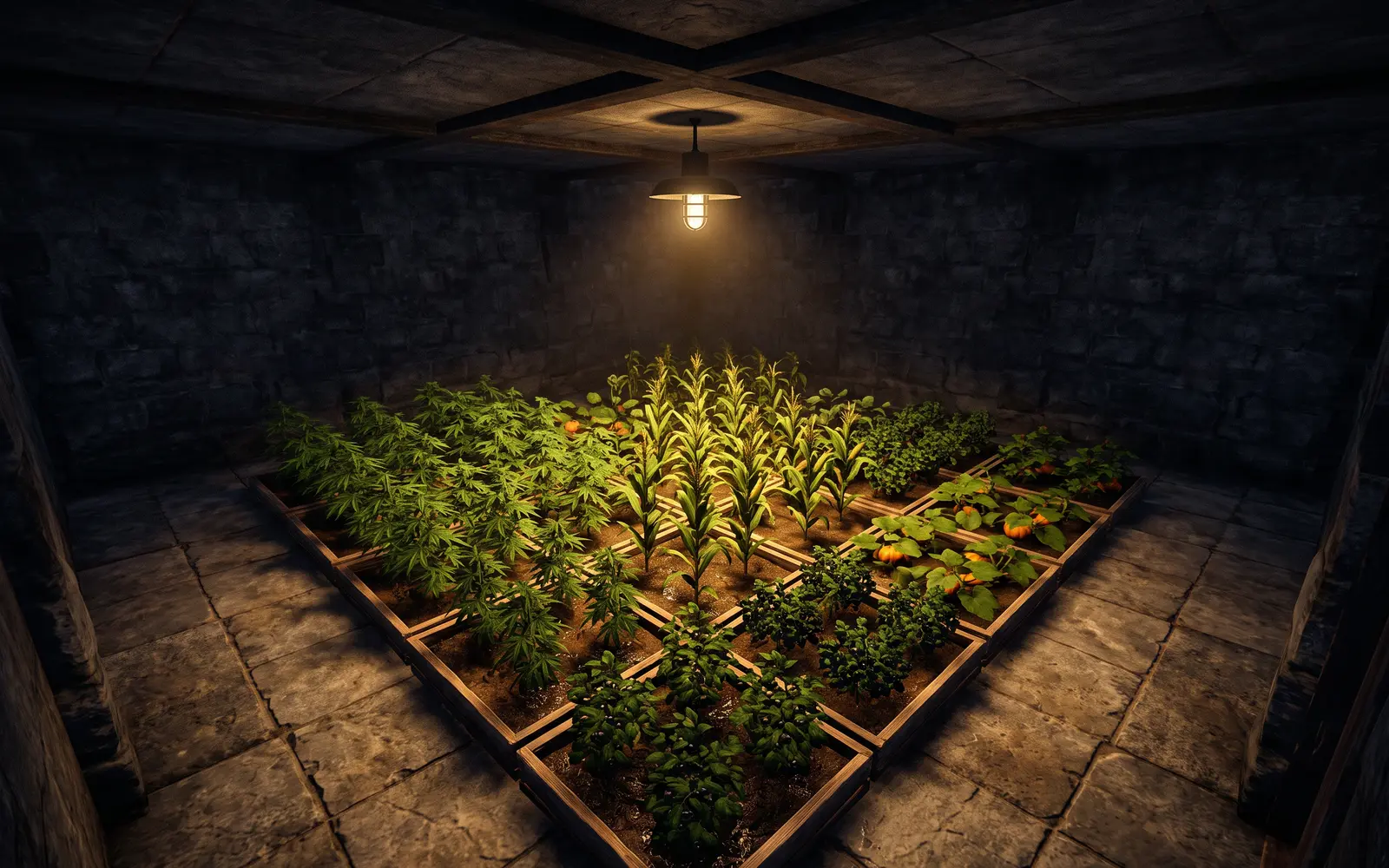
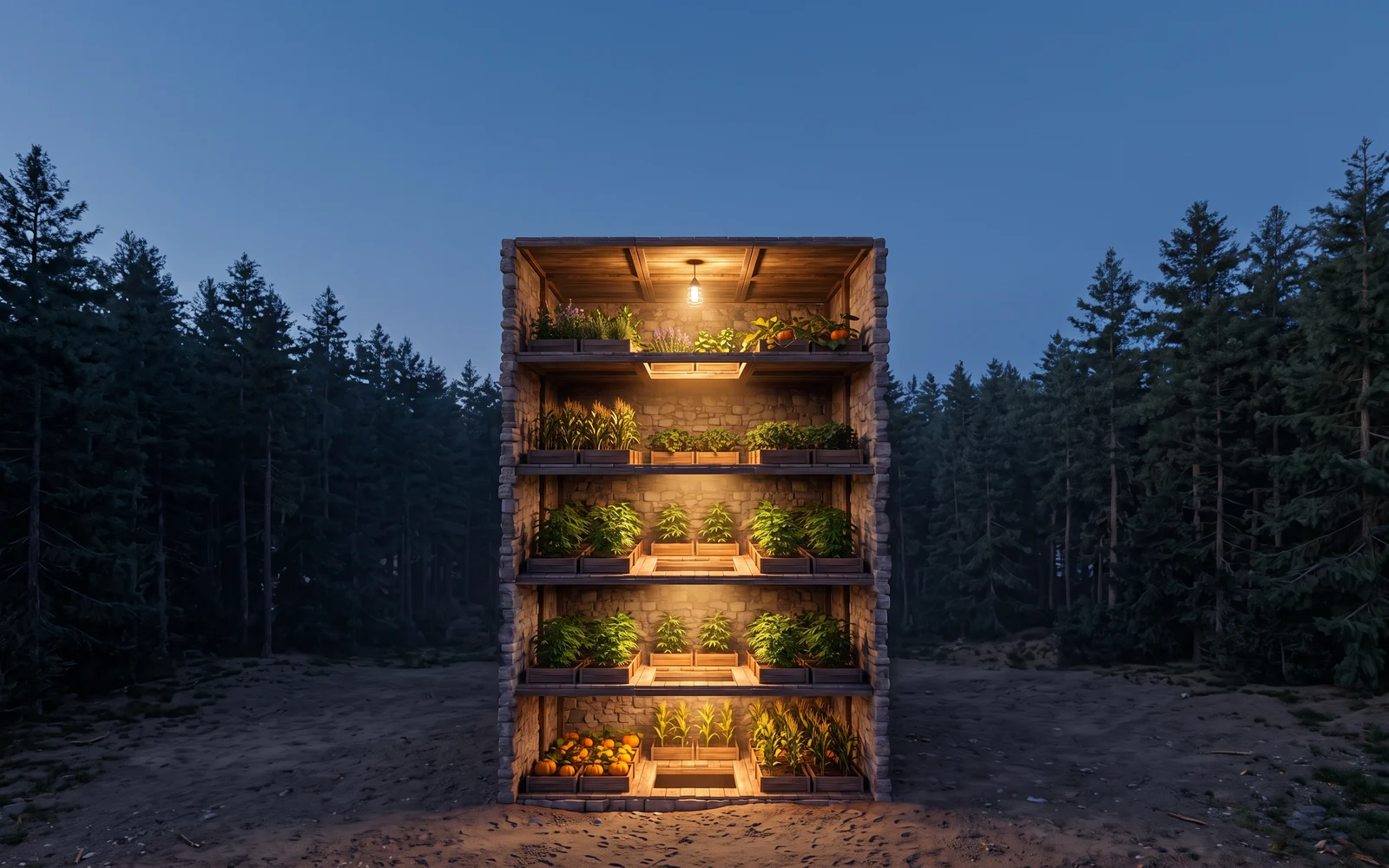
We extended the growing light of a ceiling light. One light covers an area 5 foundations across, and up to 5 floors below it, straight through the floors.
A good farm fits inside that space with room to spare.
If your planters fill all of it, or spill past it, that is already far more planters than we consider reasonable, and you will be asked to tone them down. Every plant is foliage your neighbors have to draw.
Nothing Here Needs A Wall
We often see giant china walls built around large furnaces, farm animals or planters. None of that is needed: our plugins protect those things already. A wall around them adds nothing except more for every passing PC to draw.
What Costs The Most FPS
Everything you place costs somebody something. Nobody publishes exact numbers per item, so this ranking comes from Rust's own dev notes and what we have seen on our servers. Heaviest first, each with a cheaper way to get the same result.
-
The server carries all of it
This is the cost every player on the server shares, wherever they are on the map. It grows with everything built all wipe.
Entity countEvery block, box, plant and machine is tracked and saved.Stability checksBuilding parts are checked for support and building privilege.CollidersSolid objects add to the physics the server runs.Automation ticksIndustrial, electrical and plumbing setups run on timers.Instead keep your total footprint reasonable. Pick up what you no longer use.
-
Huge or dense builds
Every block, deployable and sleeper in a base is sent to each player who comes near, then drawn. More pieces in view means more work for every PC, and more for the server to send and check.
Instead build the base you need, not the biggest one you can.
-
Sign images
Our sign pictures are PNG images our plugin downloads from the web. Every player nearby downloads each one and holds it in memory. On our servers, a wall of them tanks FPS for everyone around it. This is the one cap our plugin self enforces.
Instead keep a few favorites, not a gallery.
-
Searchlights
A strong beam with a fog effect. On our servers, a few in one area have tanked frame rates for everyone nearby.
Instead one where it counts.
-
Lights of every kind
Every light casts shadows, so every light costs a little. Many lights cost a lot. Ceiling lights also draw a fog glow and swing.
Instead light the rooms you use. For your farm, one ceiling light covers it all.
-
Fires and furnaces
Flames, smoke and heat shimmer are effects every nearby PC draws while they burn.
Instead turn them off when the job is done.
-
Industrial, electrical and plumbing
Conveyors and crafters run on timers all wipe, and so do circuits and water systems. A big automated setup is steady work for the server.
Instead build what you use, and switch off what you are not using.
-
Boxes, rugs and decor in bulk
Each one is an entity the server tracks and saves, and a model every nearby PC draws. One is nothing. Hundreds add up.
Instead decorate the rooms you live in.
-
Planters and farms
Every plant is an entity the server tracks and grows. Leaves are layered see-through foliage that PCs draw over and over.
Instead one farm under one light. See Farming.
-
Bee hives and chicken coops
Animated swarms and birds. Likely costly in numbers, though nobody has measured it.
Instead keep what you actually harvest from.
-
Auto turrets
Powered turrets track targets and draw power. Rust has made them much cheaper lately, but a wall of them is still server work.
Instead power them for PVP day, not all wipe.
-
Items dumped on the ground
Each dropped item is its own object with physics until it despawns. Emptying a box onto the floor creates dozens at once.
Instead recycle it or box it.
-
Vehicles left everywhere
Every minicopter, boat, car and horse is a moving object with physics.
Instead park what you keep at your base, and keep no spares.
-
Windmills
Part of your electrical setup, which runs on the server like any other circuit.
Instead pick up the 300 power test generator in Town.
Why Giant Bases Crash Weaker PCs
On our servers we have seen giant bases freeze and crash players on weaker PCs. It is usually memory running short. Here is how a big base gets there.
- 1
You come into range
The server sends you every block, deployable and sleeper in that base.
- 2
Your PC loads and draws it
Models, textures and sign pictures go into memory. A giant base packed with them is a lot to hold.
- 3
Many PCs are already near full
Rust on its own uses 12 to 14 GB. On a 16 GB PC with Discord or a browser open, there is almost nothing left.
- 4
Stutter, freeze, crash
When memory runs short, Windows moves data to the disk and the game stutters or freezes. Push further and Rust can close to the desktop.
Your base runs fine for you, and that is normal. Your PC loaded it a piece at a time as you built it. The player passing by on a 16 GB laptop gets all of it in one go. Crashing at your own base? See Performance for fixes on your side.
Leave Room For Raid Bases
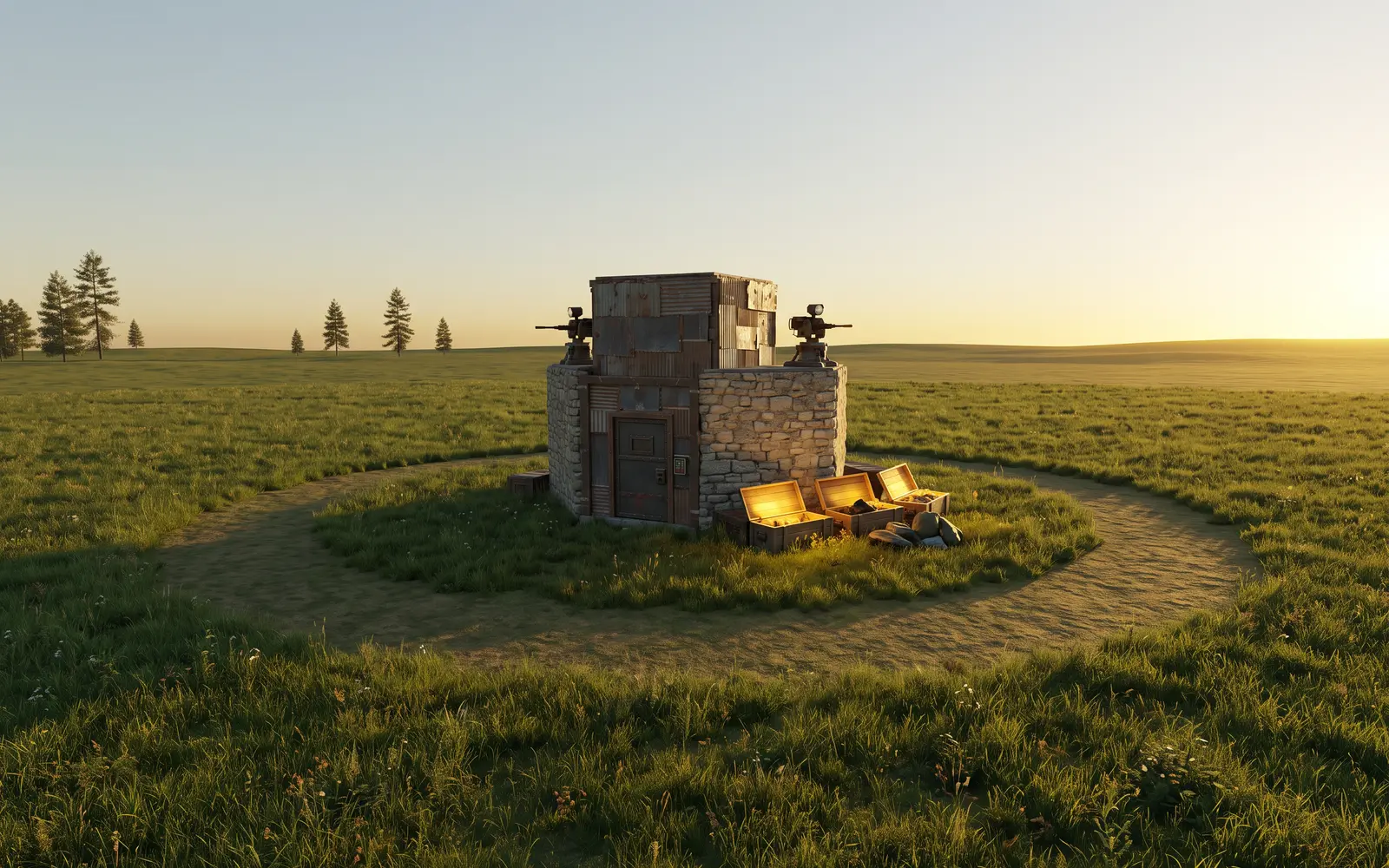
Raid Bases need a big patch of mostly flat land to spawn on: no rocks, no cliffs, no obstructions, and no player building blocks or deployables anywhere inside a large radius around them.
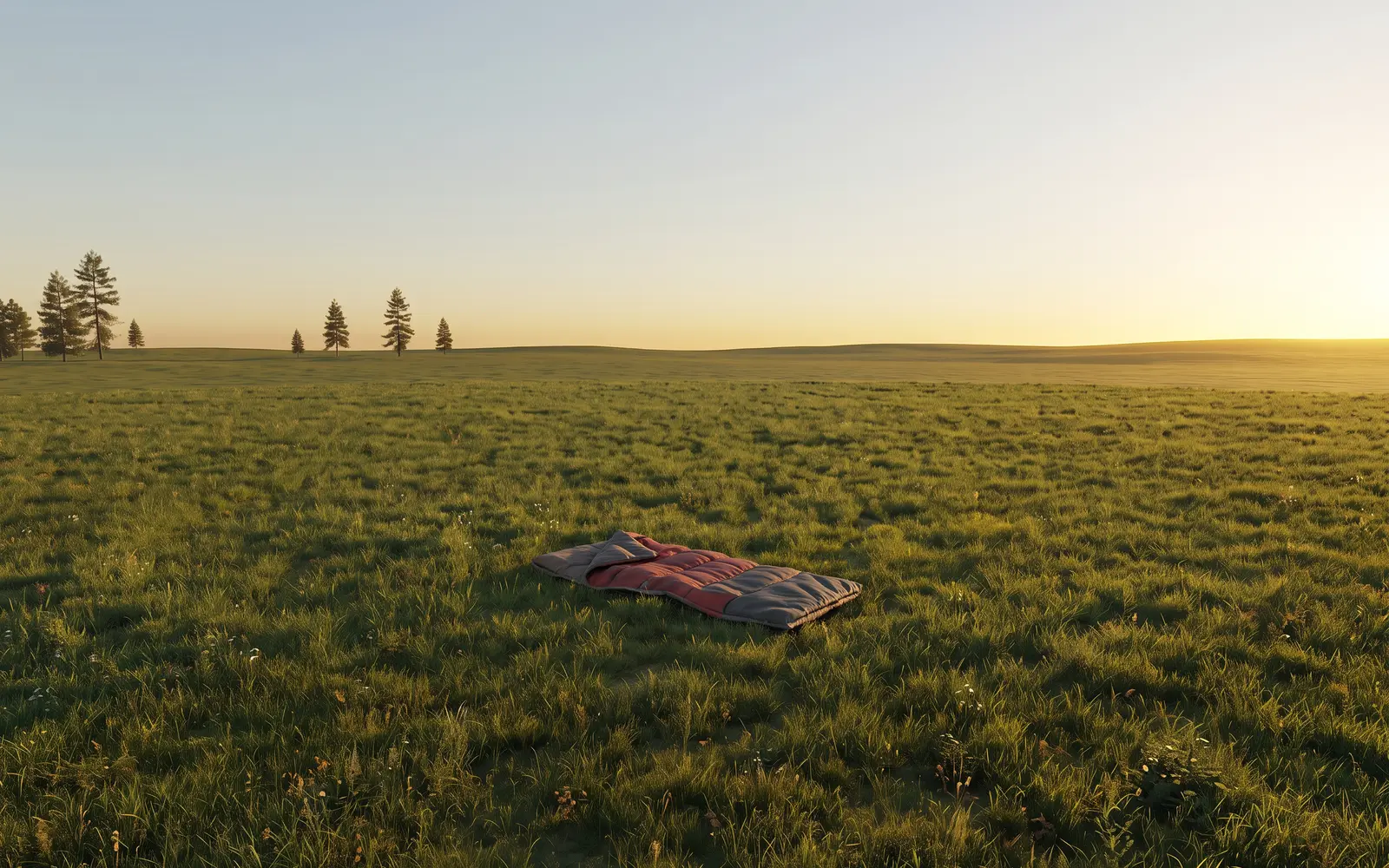 No spawn
One item blocks a huge area
The whole footprint of a raid needs clear space. A single sleeping bag or one decoration sitting on its own rules out a massive patch of land.
Spots run out
The more the map is covered with scattered bits, the fewer places a raid can spawn on the mainland.
Raids move to the islands
Every map has reserved no build islands as a backup. No build there also means no sleeping bags and no spawning your personal vehicles, so those raids are much harder for everyone to reach.
Common sense keeps raids on the mainland. Keep your bags, boxes and decorations at your base, pick up what you leave behind out in the open, and leave the big flat fields clear. Those are the best raid spots on the map.
Build Smart
Hug the base with your walls
One tight ring of high walls beats a field of empty ones. Less dead space is actually a far better defense too.
Keep deployables close
Everything you place belongs within a sensible reach of your base, not scattered across the map.
Leave the land open
Skip foundation bridges, sidewalks, spare TCs and stray bags. Boats, vehicles and teleports get you there, and the map stays open for everyone, raid bases included.
Pick up what you are done with
Old furnaces, spare boxes, the planter you stopped using. Out of sight is not out of everyone's FPS.
Switch it off
Turn off furnaces and conveyors when the job is done. Fires, smoke and light keep costing while they run.
Check your own base
Walk away from your base, turn around and press F1, type perf 1. If your FPS dips looking at it, everyone's does.
Run it past us
Not sure if your idea counts as reasonable? Open a ticket with your plan before you build. A rough foundation layout makes it easy to judge, and a quick yes beats reworking it halfway through the wipe.
This page sits under Rule VI of the General Rules. For fixes on your own PC, see Performance.