
Quality of Life
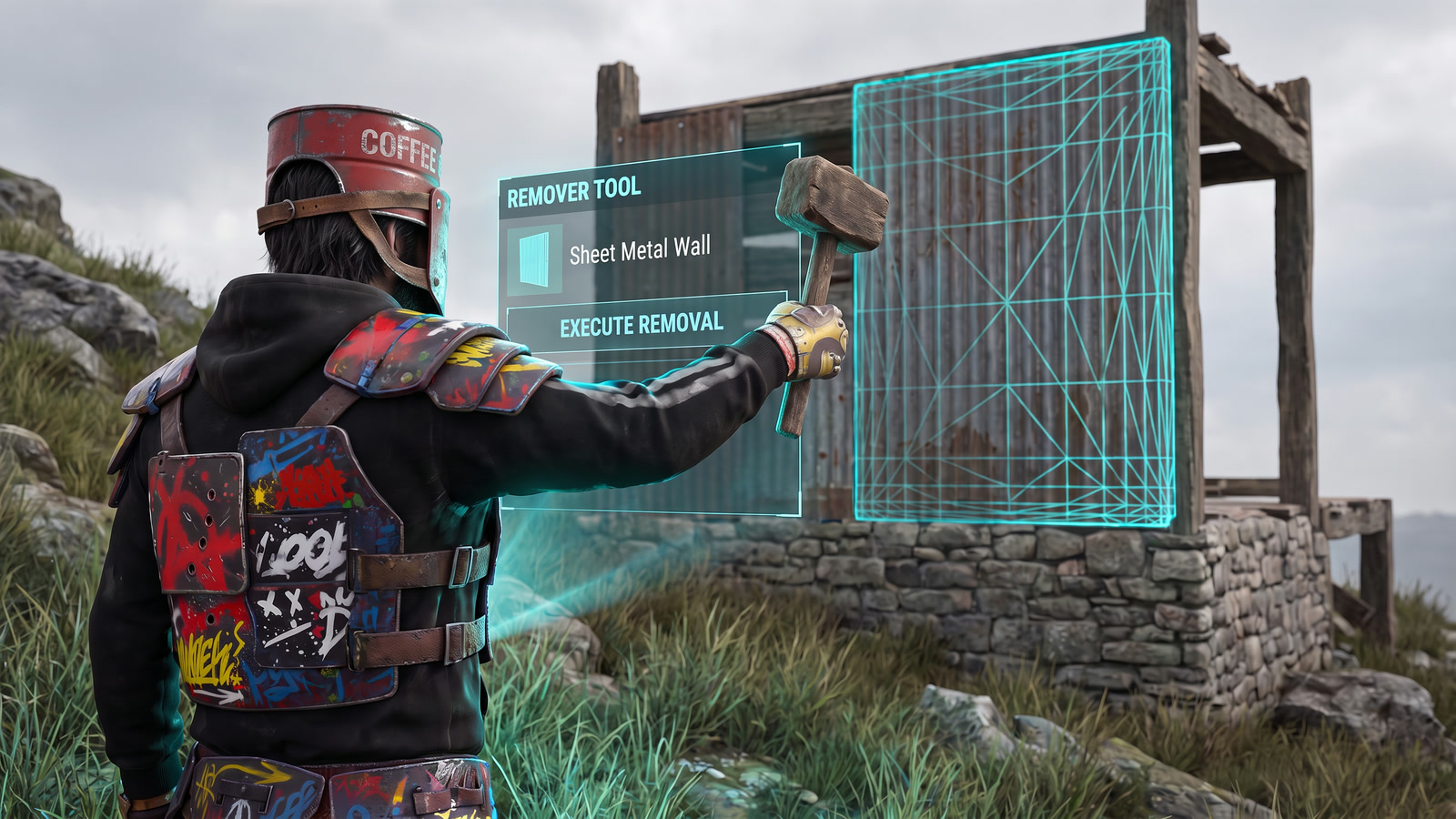
Remover Tool
Demolish building pieces and deployables you own, well beyond the vanilla soft-delete timer. Perfect for redesigning a section of your base without knocking the whole thing down.
How To Use It
Type /remove to activate the tool. While active, look at any building piece or deployable you own and left-click to remove it. Run the same command again to deactivate early.
Limits
Each use session has a time limit and a piece limit that scale with your rank. Higher ranks also get a longer reach distance.
When you hit the piece cap or the session timer runs out, the tool deactivates. Just run /remove again for a new session.
Ownership
You can only remove pieces you personally placed. Building privilege on a base is not enough; teammates' pieces stay put.
Command Quick Reference
One Command
That is all it takes/removeActivate or deactivate the Remover Tool
Session lengths, piece caps, and reach by rank are listed on each rank page. Questions? Ask in Discord.