

Quality of Life
Build Tools
Pick a grade once and build. Every block you place with the building plan goes straight to twig, wood, stone, metal or armored, so there's no more placing a wall and then hammering it up.
Five Grades
Each grade has a number. Type /bg and the number to start building at that grade. Twig, wood and stone are open to everyone, metal unlocks at VIP, and armored at Veteran. Top Voter and Top Donator get both. Click a grade to try it in the demo further down.
How It Works
Switch it on
Type /bg. The tool turns on at the grade you used last, or wood the first time. Type /bg again to turn it off.
Pick a grade
A small badge appears above your hotbar showing the active grade. Click it to open Build Settings and pick another grade, or use /bg 0 to /bg 4.
Build
Place blocks with the building plan. Each one is upgraded the moment it's built, for exactly what a manual upgrade costs.
Blocks you've already built are never touched, and the hammer works like vanilla.
In Game
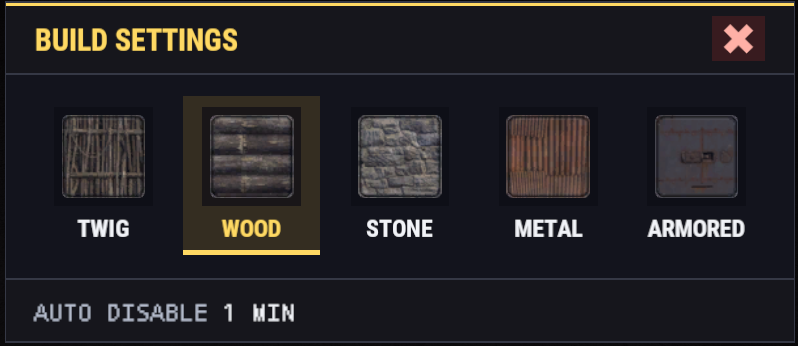
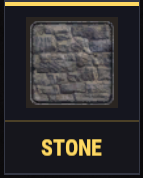
![Chat line: [BuildTools] Build tool on at Stone. Switches off after 30s.](/images/plugins/build-tools/chat.webp)
Try It
This demo follows the same rules as the plugin in game, including the replies you'll see in chat. Type commands, click the badge, and place walls to see what happens.


The demo uses the real timers and vanilla wall costs, and gives you unlimited resources. Switch "Preview as" to see what each rank gets.
Command Quick Reference
Chat Commands
Also answers to /bt and /bgrade| You type /bg 2 while... | What happens |
|---|---|
| the tool is off | The tool turns on at stone |
| the tool is on at another grade | The grade changes to stone |
| the tool is already on at stone | The tool turns off |
Key Binds
Every command has a console version you can bind to a key. Press F1, paste a line, and swap the key for any key you like.
Turns the tool on or off with [b], same as /bg.
Moves up and down through your grades without typing.
One key for one grade (metal here). Pressing it again while you're on metal turns the tool off.
Opens or closes Build Settings, same as clicking the badge. The tool has to be on. You can also use open, close or set 0-4.
Shows whether your tool is on, your grade, the time left and whether you build for free.
What It Costs
No discounts and no markup. You pay for the twig placement as usual, and the upgrade costs exactly what a manual upgrade to that grade does. If you can't afford both, the block stays twig and chat tells you what you're short on and how much more you need.
10 x Wall at Stone
Metal needs VIP or higher, armored needs Veteran or higher.
Standard Rust costs. The game always charges what it shows in game, and that number is the one that counts.
Rules It Keeps
Build Tools only does what a manual upgrade could do at that moment. If a hammer upgrade would be refused, the block stays twig.
Who Can Use It
Everyone all players
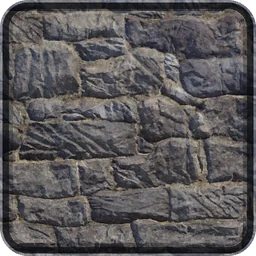
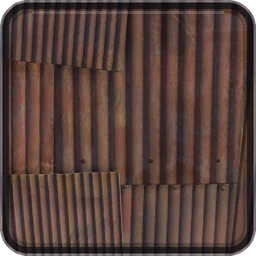
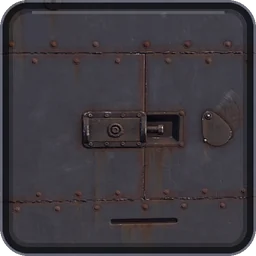
30 sec
Twig, wood and stone
VIP and VIP Gold
2 min
Unlocks metal
Veteran and Veteran Gold
5 min
Unlocks armored
Champion and Champion Gold
10 min
The longest timer
Good To Know
My block stayed twig. Why?
A manual upgrade would have been refused too. The usual reasons:
- You were short on resources. Chat tells you which item and how many more you need.
- You aren't authorized on the tool cupboard.
- The block was damaged in the last 30 seconds.
- The spot blocks upgrades, or another plugin said no.
- Your grade is set to twig, or the tool had already switched off. With a short timer that can happen quickly.
The tool switched itself off.
You went longer than your rank's auto disable time without upgrading a block, and chat says so. It also switches off if you lose access to the grade you were using, for example when a rank ends. Type /bg to turn it back on.
It forgot my grade.
Your last grade is remembered while you're connected, even with the tool off. It's cleared when you disconnect or the server restarts, and the tool starts at wood again.
The grade pictures are blank.
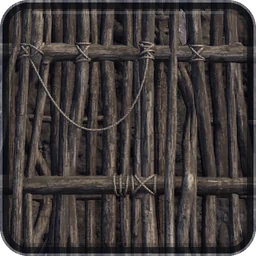
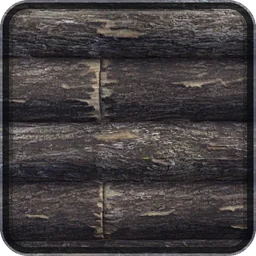
The grade pictures are Steam Workshop images, and your game downloads them the first time they're shown. They show up a moment later. If they still don't show, the badge and window use a text-only version that works exactly the same way.
Does it work with the hammer?
No. It only works on blocks you place with the building plan. The hammer upgrades blocks the vanilla way, and nothing is ever downgraded.
Questions? Ask in Discord.