
Economy
Selling To The Server
The feature most players know: selling resources and other items for RP. Farm, sell, spend. The whole economy loop starts here.
The /sell Command
There are two ways to open it. The easiest is the command /sell; note this only sells items to the server in exchange for RP.
Typing /sell opens a small inventory UI on the right. You can do this on the run and sell items for RP by dragging them into that area. You can sell multiple types of items at once and see a grand total prediction.
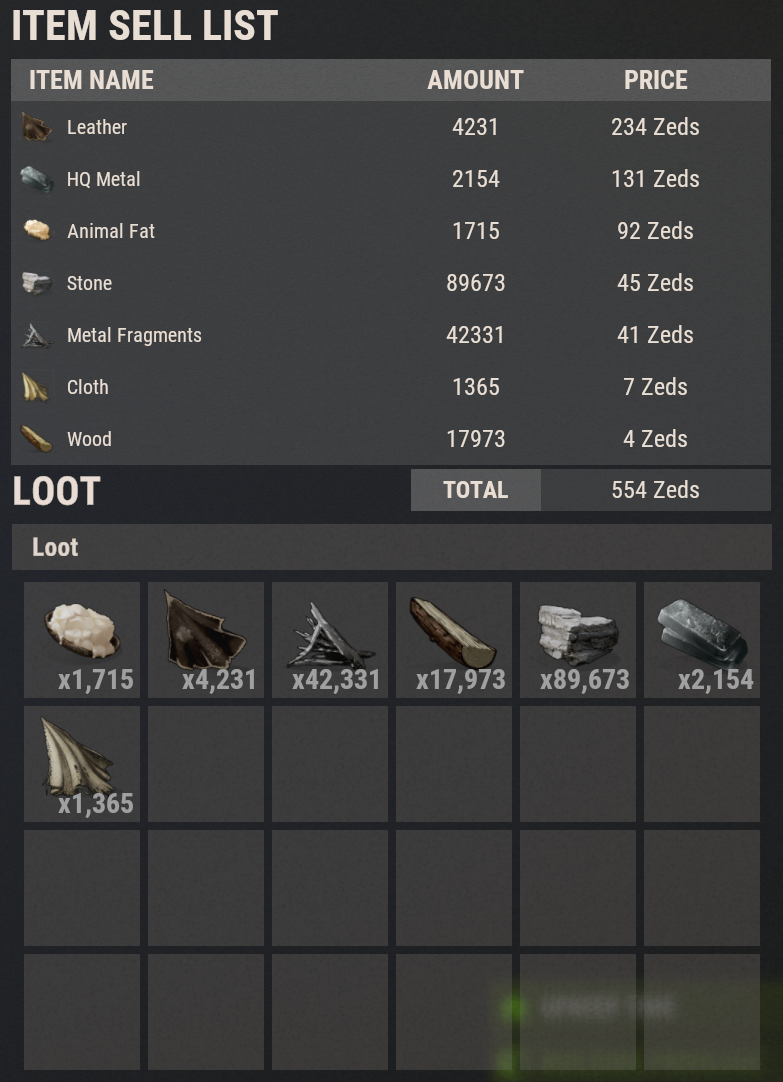
From The Market
Alternatively, open any item detail in that market (for example RP market, then Metal Frags or HQM) and use the sell option from there. In the market you can see which items are sellable to the server by the price listed in that column. The Server Sell Only filter shows only those items.
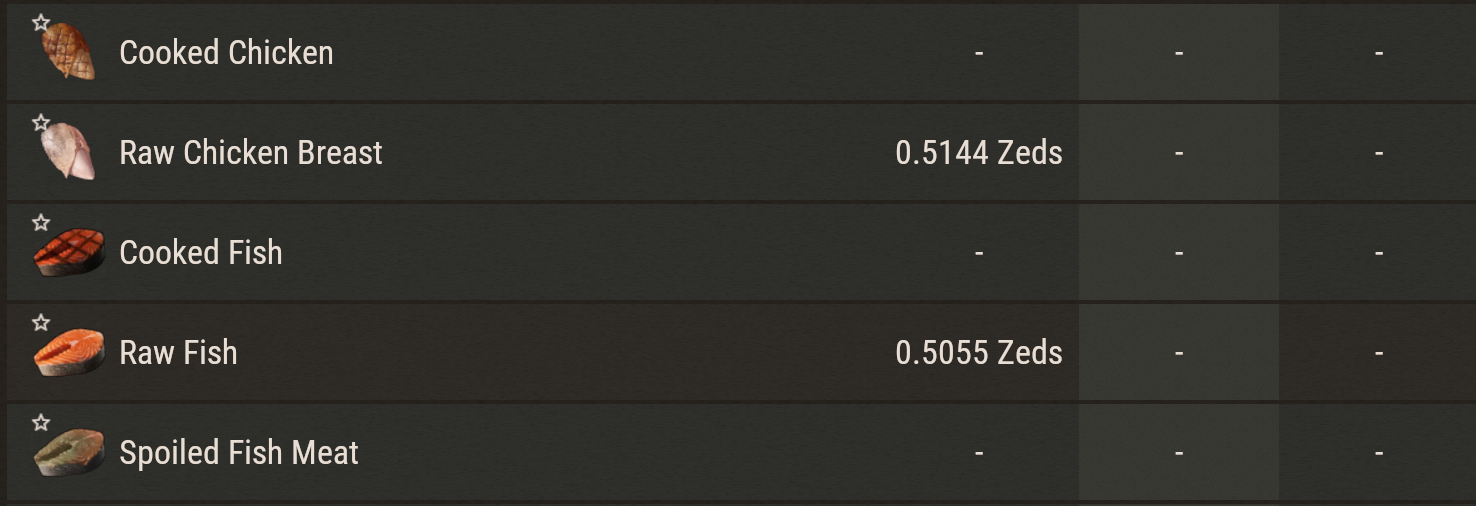
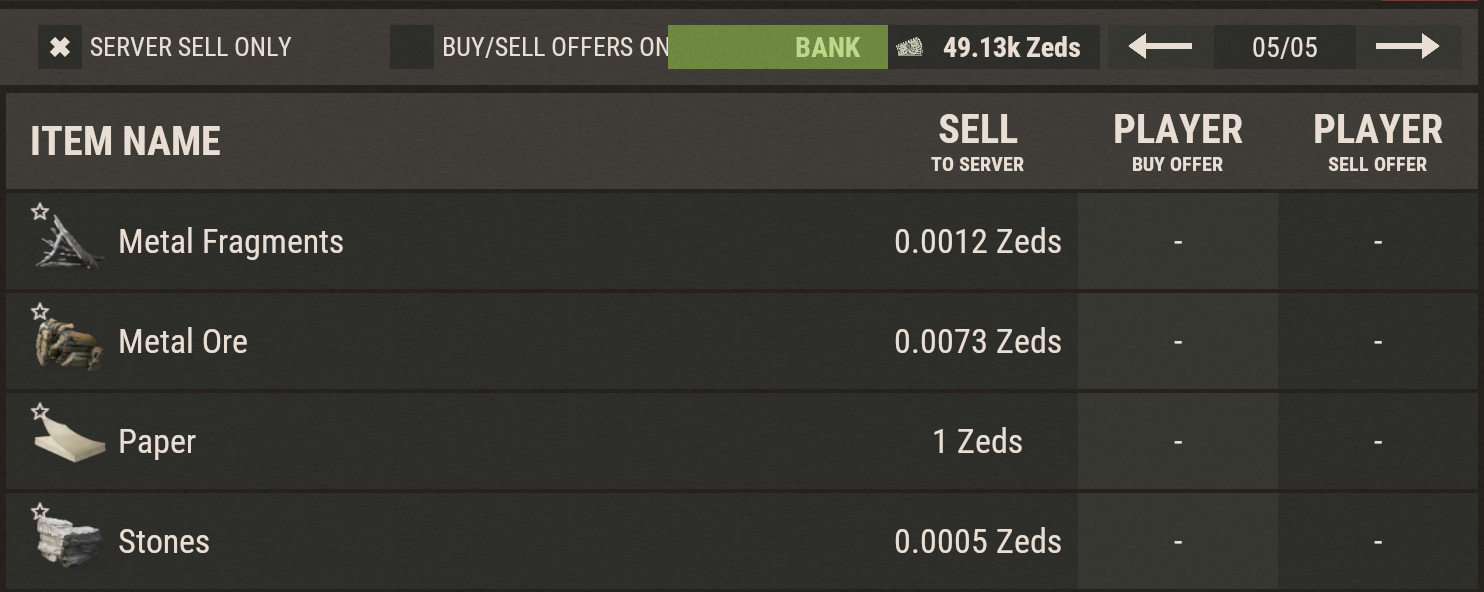
Click the green Sell to Server button on the item you want to sell. This opens the same window as the /sell command.
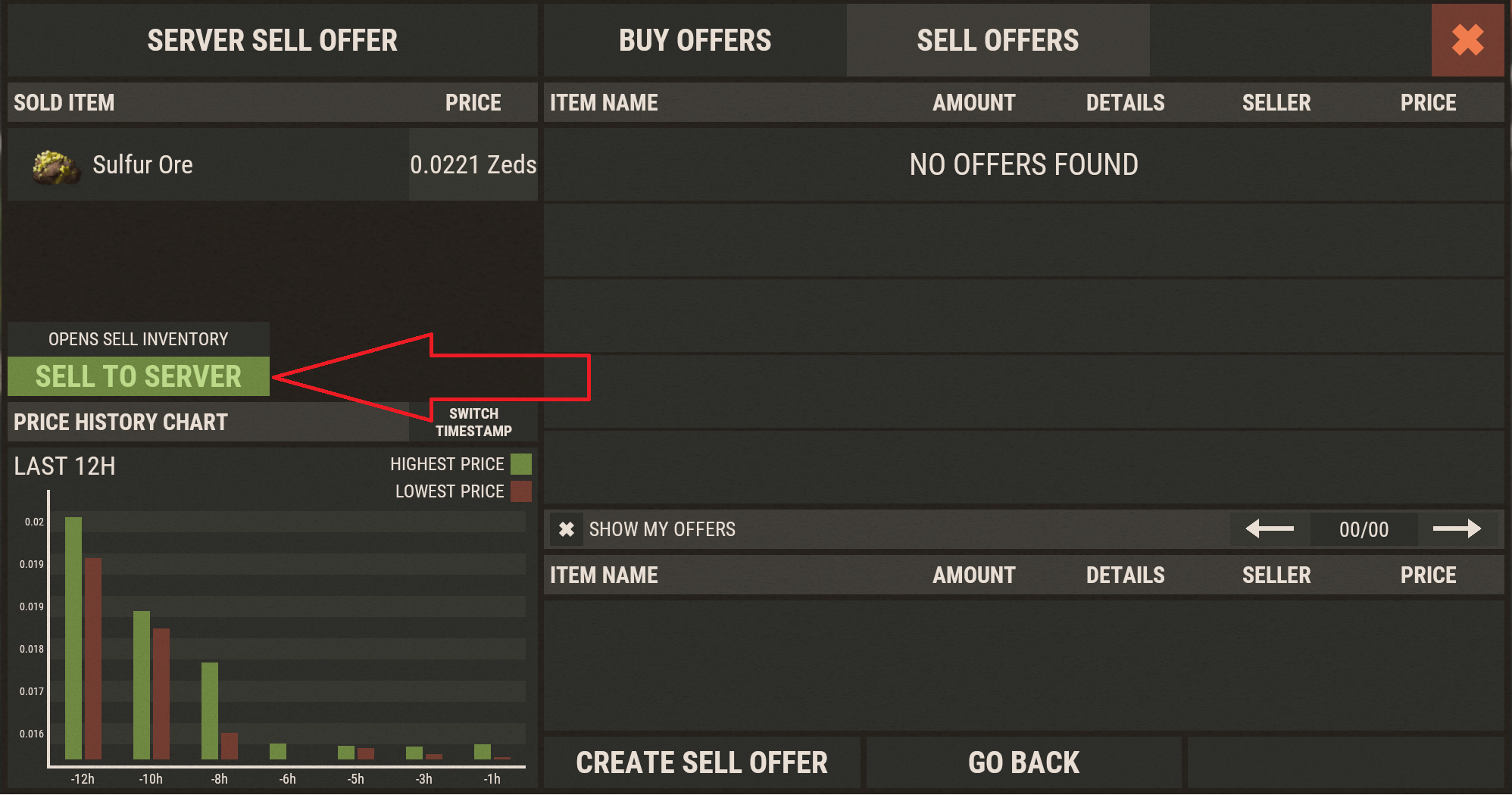
Prices are dynamic with min/max limits; higher ranks unlock longer price history charts. Questions? Ask in Discord.