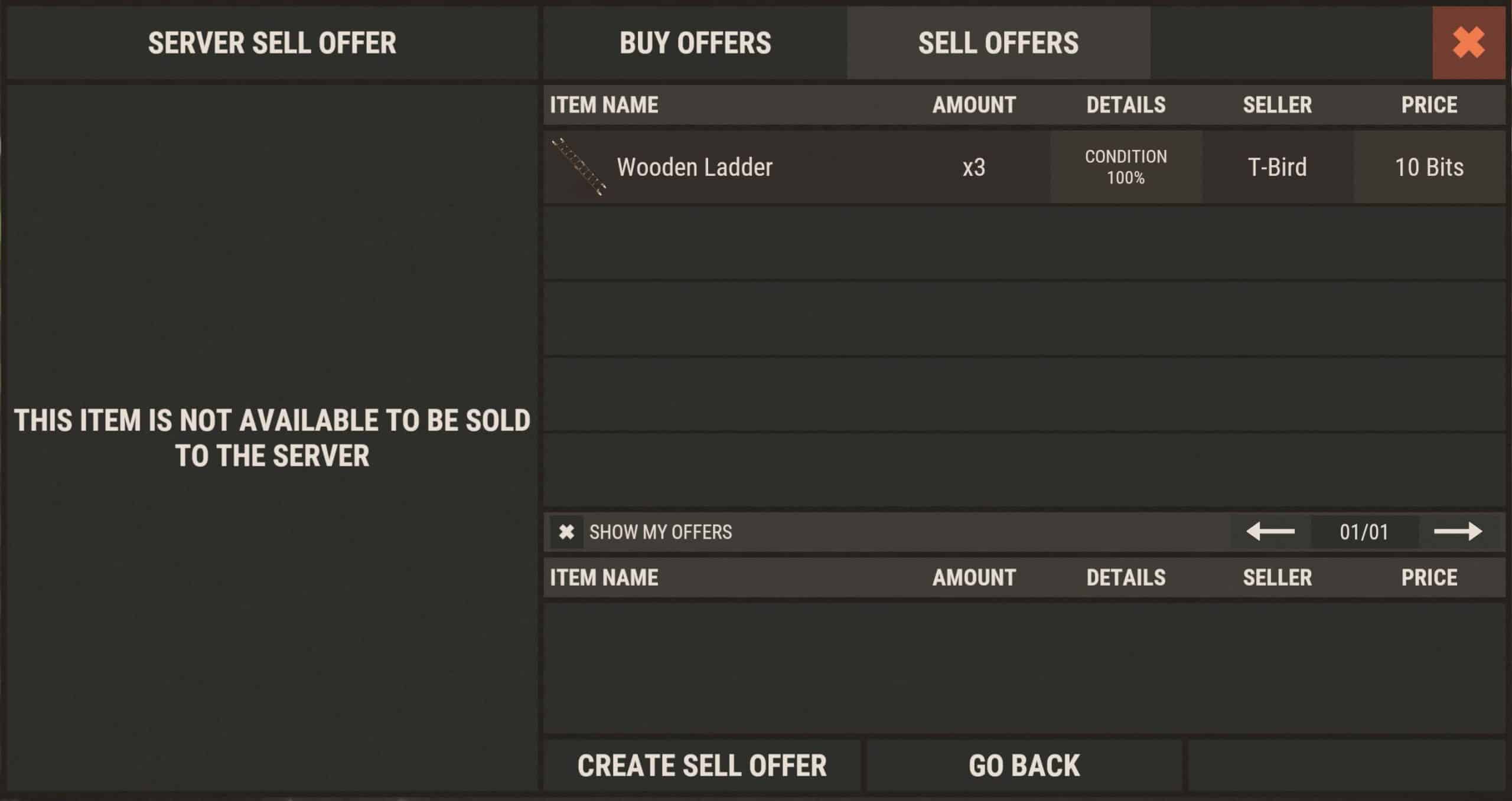
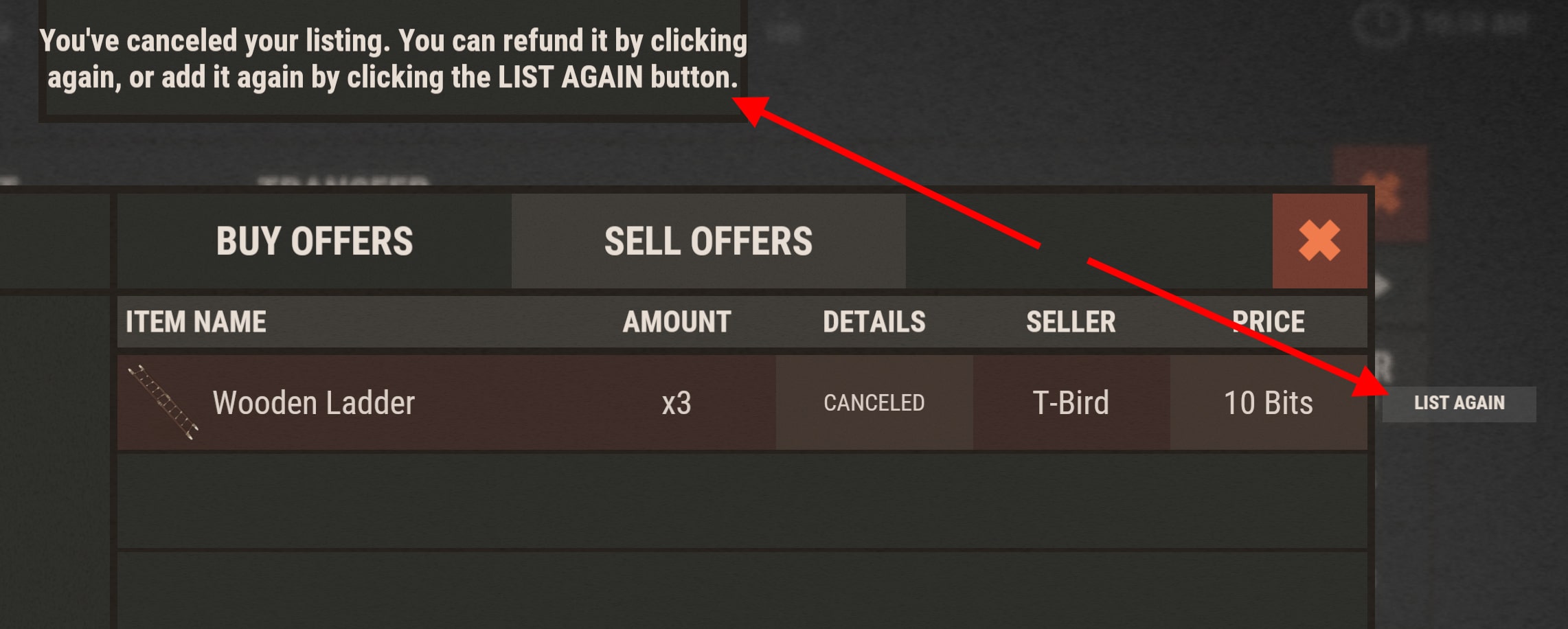
Sell Offer
A Sell Offer lets you list items for sale at a price per unit you set. Other players can buy from you at that price.
Creating a Sell Offer
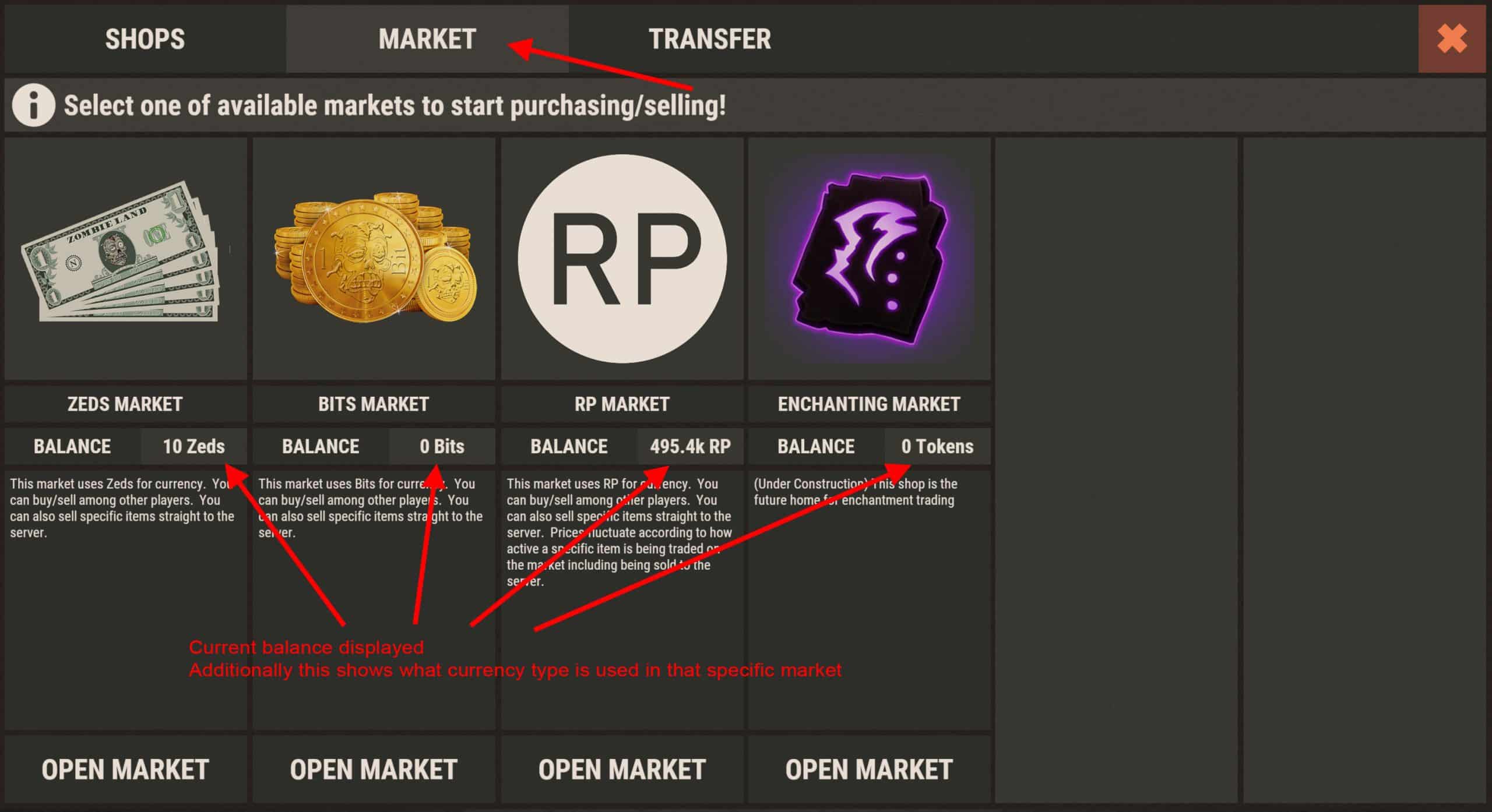
Open /s and go to the Market tab. Select the market (e.g. Zeds).
Click the green Create Sell Offer button.
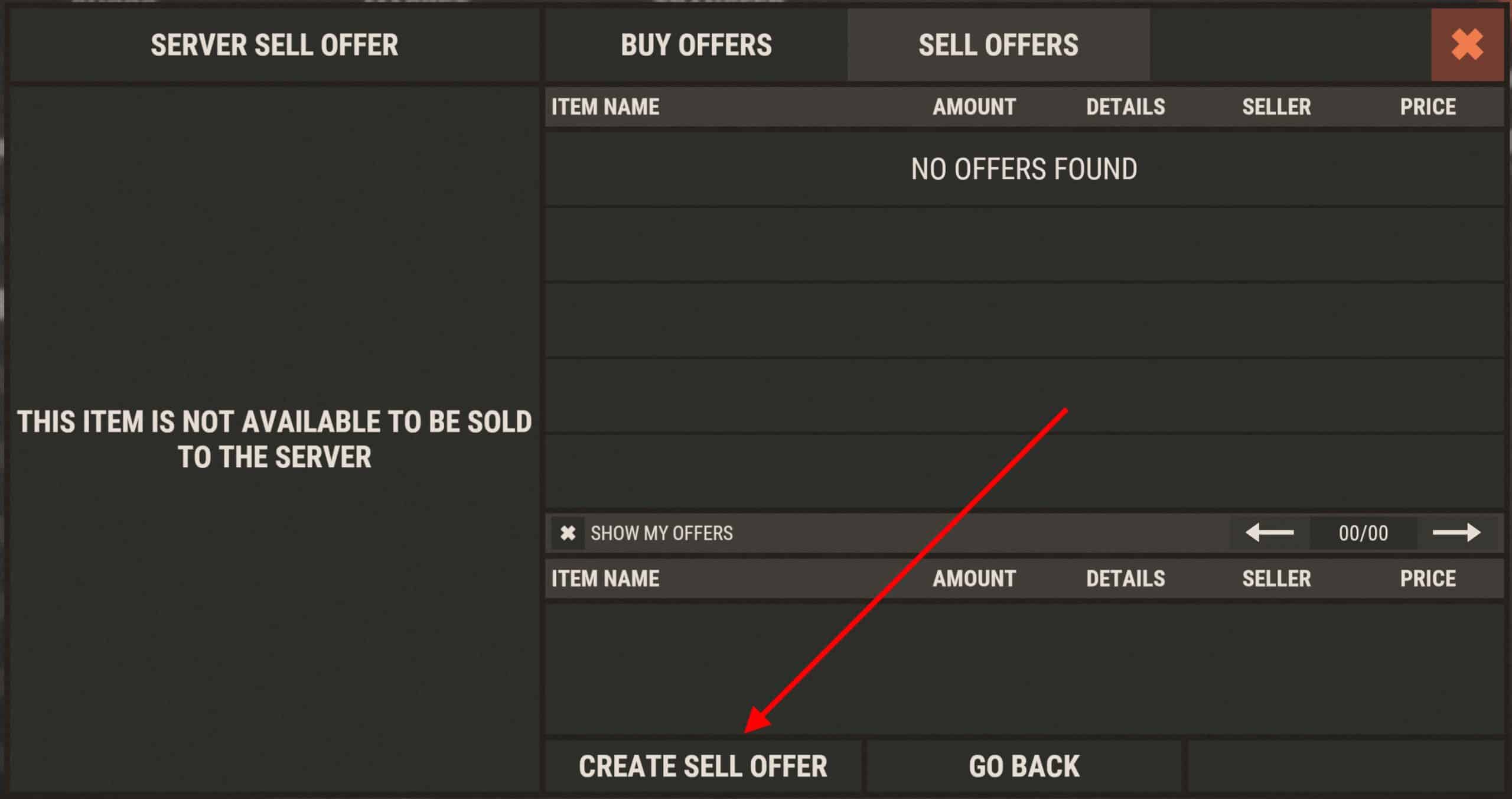
Choose the item, set the price per unit and quantity, then confirm. Items are taken from your inventory or market bank. Example: selling Ladders.
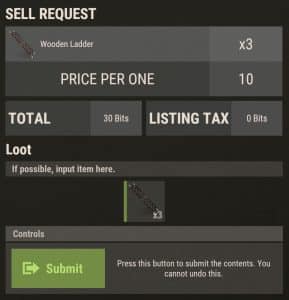
Your offer appears in the list of current sell offers.
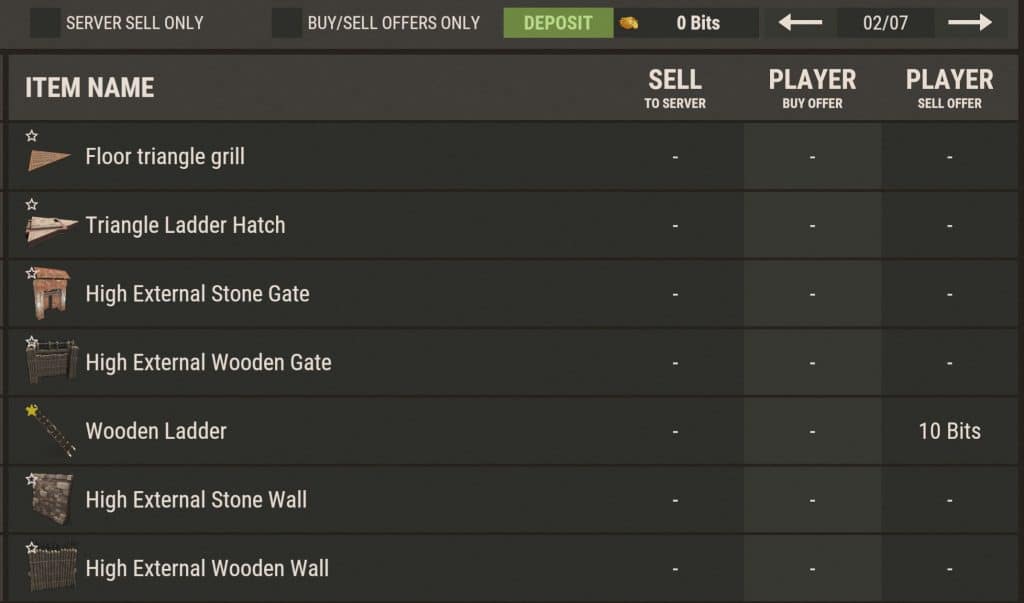
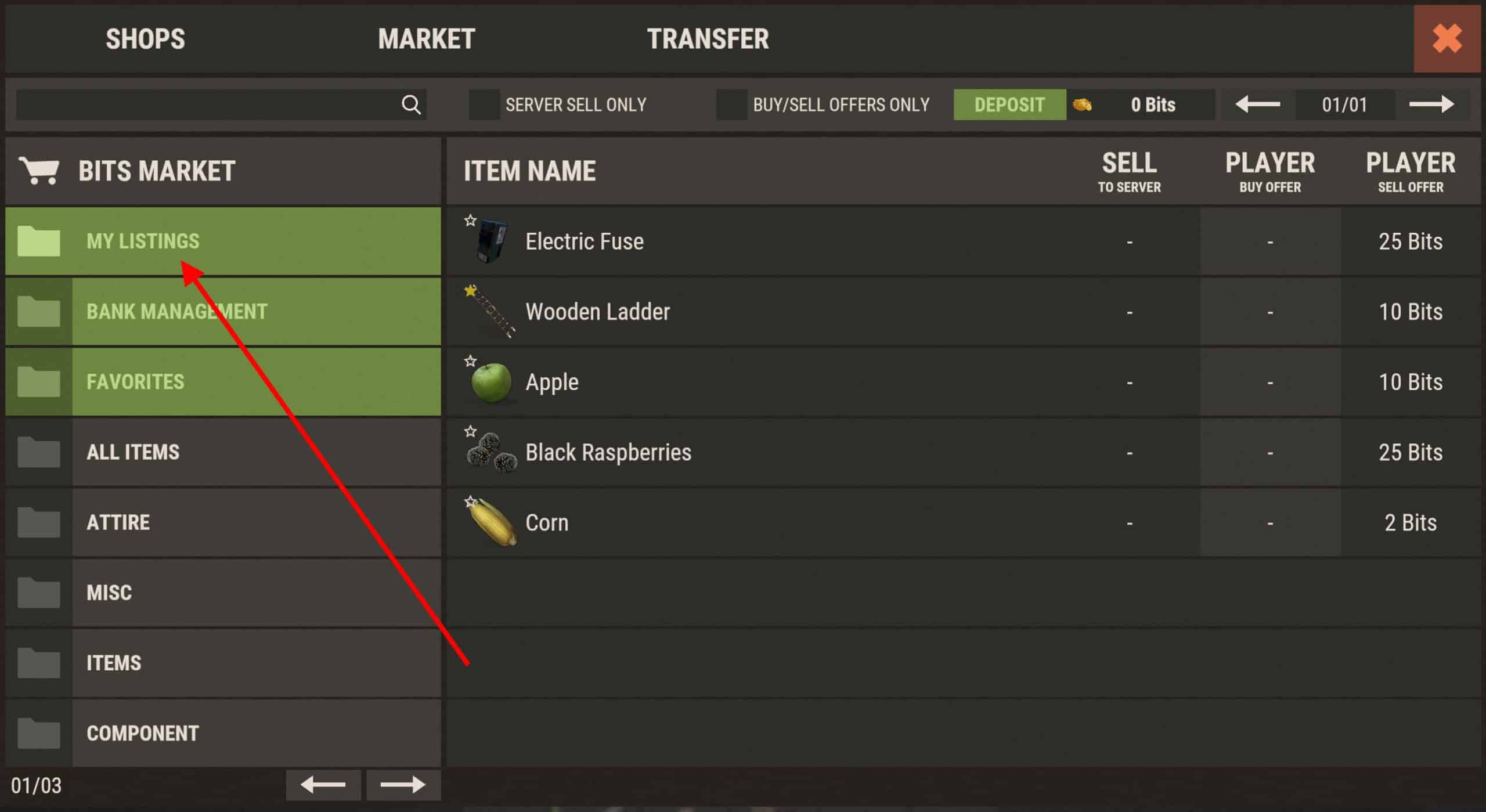
My Listings
View and manage your sell offers under My Listings in the market.
Canceling a Sell Offer
Open your listing and click Cancel to remove the offer. Unsold items are returned to your inventory or bank.